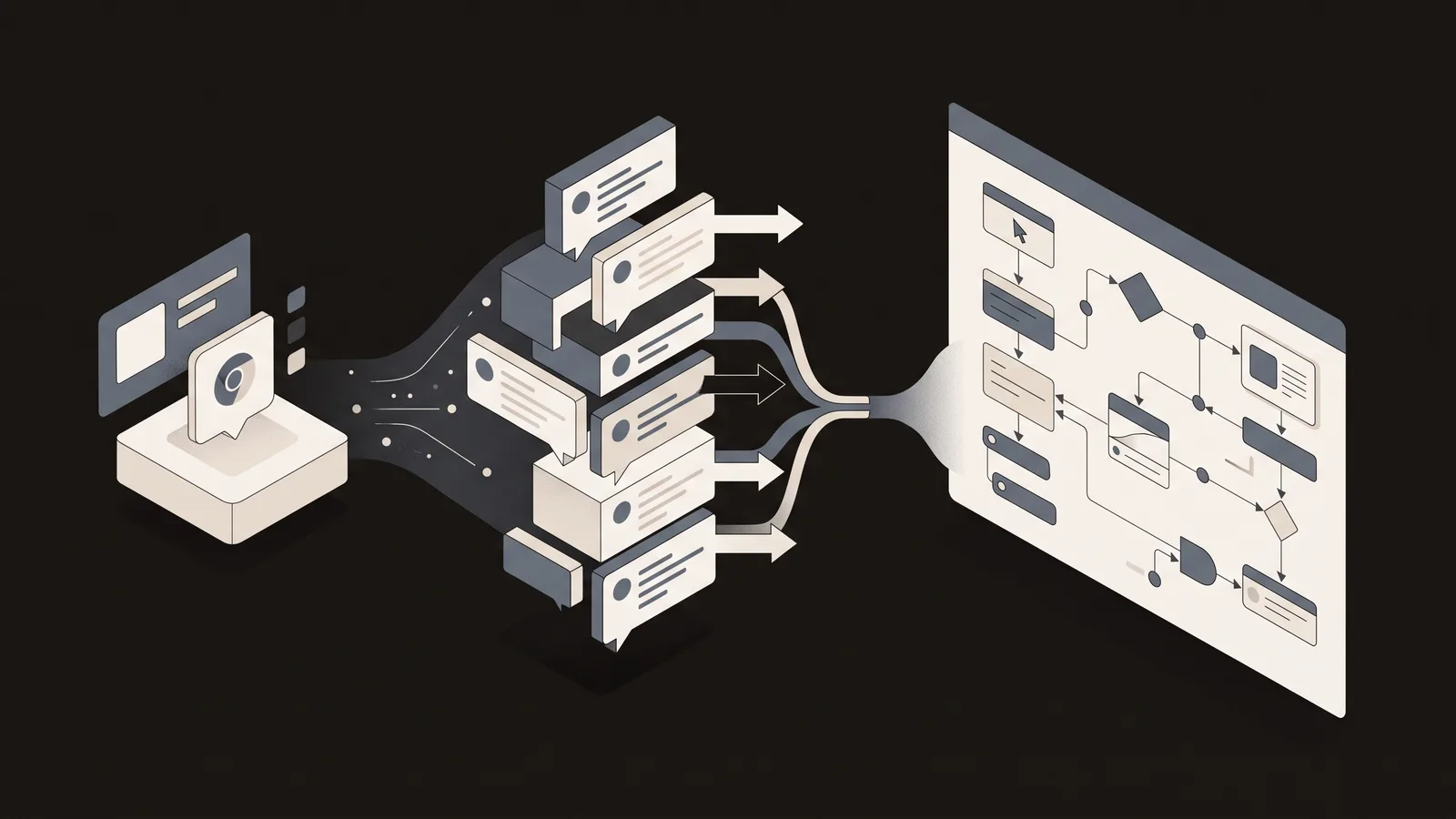
Finding the right Reddit comment scraper depends on your needs—whether you want a quick browser extension, scalable no-code workflow, or API solution. This guide compares the top tools so you can pick the one that saves you the most time without unnecessary complexity.
Best Reddit Comment Scrapers Compared
Extracting Reddit comments used to require coding skills or expensive API access. Today, you have three clear paths: browser extensions (fastest, no setup), no-code web tools (flexible, automatable), and cloud APIs (most robust, steepest learning curve). Each trades off differently on speed, ease, and scalability.
Chrome extensions remain the fastest way to scrape Reddit comments from your browser—no API keys, no coding, no account setup. You install, click, and export. But they hit hard limits around 10,000 comments, IP bans on large threads, and require constant rewrites as Reddit changes its interface.
No-code tools like Thunderbit's free Reddit scraper remove the browser entirely and let you schedule weekly scrapes into Google Sheets or Slack without touching your computer. API solutions like Apify's Reddit scraper handle massive volumes and compliance, but require technical setup.
Top Extensions Tested in 2026
We evaluated the most popular Chrome extensions for real-world performance. Reddit Comment Scraper (by Softonic) is the fastest for one-off pulls—it scrapes a 5,000-comment thread in under 30 seconds and exports clean CSV. The export is reliable, the UI is minimal, and it requires zero learning curve.
Reddit Comment Scraper & Exporter adds power at the cost of complexity. It handles nested replies better, captures timestamps, and includes LLM-ready formatting for ChatGPT analysis. If you're piping comments into AI workflows, this one saves a formatting step.
Both handle CSV and JSON export. Both let you filter by score, timestamp, and author. The real difference: the Exporter version requires a longer setup to unlock advanced features, but pays off if you're running weekly analysis workflows. Neither will work reliably above 15,000 comments in a single session.
Why Extensions Hit Limits Fast
Browser extensions are powerful for quick research, but they break down at scale. Most users don't realize why.
IP bans happen faster than you'd expect. Scrape more than 3–4 large threads in one session, and Reddit's anti-bot system flags your IP. You'll hit a CAPTCHA block or temporary ban lasting 24–48 hours. Extensions can't rotate IPs, so there's no workaround.
Browser memory exhaustion is the second wall. Threads over 10,000 comments cause the extension to slow to a crawl or crash outright. The extension loads every comment into RAM before exporting, which works for small threads but fails catastrophically for active subreddits like r/AskReddit or r/news.
Nested reply depth limits cut deeper than most people realize. Reddit's UI only loads replies up to ~3 levels deep. Extensions that rely on DOM scraping miss entire reply chains. Deleted comments create gaps in the data. Edits aren't timestamped.
Reddit UI changes force developers to rewrite selectors constantly. A single CSS class rename breaks the entire extension until the developer pushes an update. Maintenance lags are common—many extensions haven't been updated in months.
No-Code Workflows: Extension to Database
The real leverage comes when you automate the scraper into a workflow. Instead of manually opening Chrome and exporting CSV files, you can set up a weekly pipeline that scrapes specific subreddits, cleans the data, and pushes it to Google Sheets, Notion, or Slack—completely hands-off.
The simplest setup: use Thunderbit's web scraper to pull comments, then connect it to Zapier. Zapier will automatically format the data and push it to Google Sheets. You can add filters (only comments with 50+ upvotes, for example) and scheduling (run every Monday at 9 AM) without writing any code.
From Google Sheets, you can chain additional automations: send top comments to Slack channels, deduplicate rows with built-in formulas, or pass data to ChatGPT for sentiment analysis. The workflow is entirely visual—no terminal commands, no Python required.
For deeper automation, Notion and Airtable connectors add team collaboration. Multiple people can review scraped data in the same database, tag insights, and export reports. Most teams skip this step entirely and miss the compounding benefit of building a historical archive of Reddit trends.
Real Use Cases & Workflows
Different jobs require different setups. A researcher needs accuracy; a marketer needs automation; a content creator needs speed.
Market research: Scrape product feedback and feature requests from subreddits like r/software, r/web_design, or industry-specific communities. Push the comments into Notion, then run sentiment analysis with ChatGPT's API to identify pain points. You'll surface customer problems your competitors haven't noticed yet. This workflow pays for itself in one week of insights.
Content creation: Mine trending topics from target subreddits and build a content calendar. Set up weekly scrapes to capture the top 20 questions from r/explainlikeimfive or r/NoStupidQuestions, then use them as blog post outlines. You're tapping organic audience demand instead of guessing what people want to read.
Competitive analysis: Track competitor mentions across 10+ subreddits automatically. Schedule daily scrapes, filter by competitor name, and get alerted when sentiment shifts negative. You'll catch reputation crises before your competitors do.
Lead generation: Identify customer pain points in industry discussions. Scrape r/smallbusiness or your industry's niche subreddit, filter for keywords tied to your product, and export contacts. Sales can reach out with solutions that address real problems.
Is Reddit Scraping Legal in 2026?
Reddit's Terms of Service allow scraping of public data, but compliance is trickier than most guides admit. The 2025 API price hike created a gray zone where extensions exist in a legal limbo.
Public comments are fair game. You can scrape any comment visible to logged-out users. Private subreddits, deleted content, and user profile data are off-limits. If you're scraping aggregated discussion data or your own posts, you're safe.
GDPR and CCPA matter if you're storing user data. If you export Reddit usernames and comments to a database you control, you must honor data deletion requests and privacy policies. Most extensions skip this entirely, which creates liability if you're running a commercial operation.
Reddit's ToS specifically prohibits scraping at scale for commercial purposes without explicit permission. But researchers, marketers, and content creators using extensions for analysis fall into a gray area. The safest approach: scrape for your own use, don't republish user data without consent, and don't exceed rate limits.
Pick Your Tool
There's no single best Reddit comment scraper. It depends on volume, frequency, and technical comfort.
Use a Chrome extension if you need to scrape under 5,000 comments, you're doing it one-off, and you want zero setup. It's free, fast, and requires no learning curve. Reddit Comment Scraper is the speed leader for this use case.
Use a no-code tool if you're scraping weekly, you need to automate into Google Sheets or Slack, and you want to avoid IP bans. Thunderbit handles scheduling and connectors. Cost scales with frequency, but it pays for itself the first time you automate a workflow.
Use an API if you're handling 50,000+ comments, you need GDPR compliance guarantees, or you're building a commercial product. Apify manages IP rotation, rate limiting, and legal liability. Steepest learning curve, but the only option at production scale.
Start with an extension, test it against your real workflow, then upgrade to a no-code tool or API only if the extension hits its limits. Most teams overengineer early and waste money on tools they don't need.